Autonomous Knowledge Agents vs. Legacy Chatbots
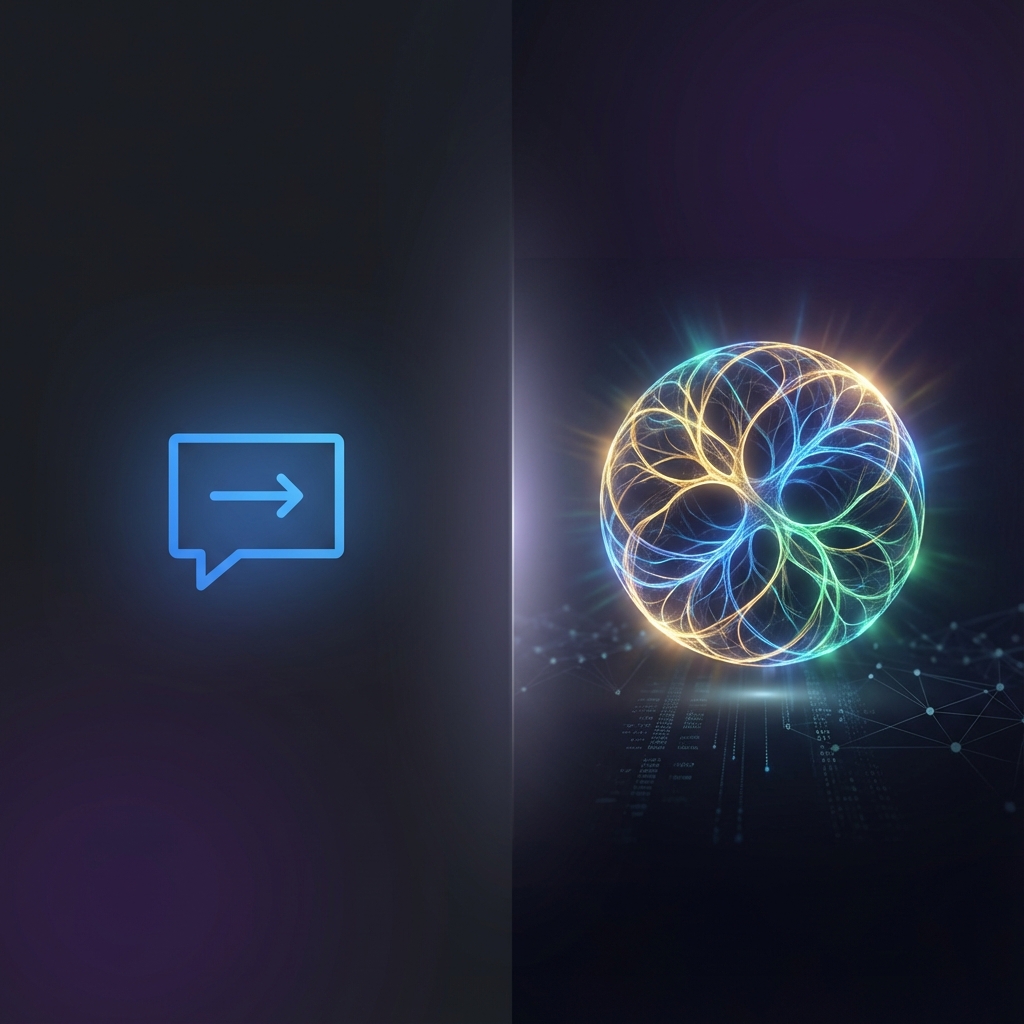
The term "chatbot" has become a liability in the enterprise. While legacy automated response systems rely on linear decision trees and brittle scripts, Autonomous Knowledge Agents utilize a multi-layered reasoning architecture capable of handling the ambiguity of technical documentation.
For regulated industries—Legal, Engineering, and Finance—this architectural divergence is the difference between a high-risk liability and a mission-critical asset. We break down the technical layers that separate a 'wrapper' from true Sovereign Knowledge Infrastructure.
The Simple Explanation
AI Chatbot: Follows rules you set. Matches keywords to responses. Escalates when confused.
AI Agent: Reasons about problems. Takes actions. Learns and adapts. Works autonomously within boundaries you define.
The difference is not incremental—it is fundamental.
What Traditional Chatbots Actually Do
A traditional chatbot—even one powered by GPT—typically works like this:
- Customer sends message
- Chatbot matches intent to pre-defined category
- Chatbot retrieves pre-written response
- If no match, escalates to human
This is retrieval and matching, not thinking.
Example: Engineering Blueprint Retrieval
Human Technical Consultant: "We need the structural stress limits for the Block 7 cooling assembly from the 2022 thermal audit. Does it support the new nitrogen feed?"
Legacy Chatbot Response: "I found a folder called 'Block 7 Cooling' in the engineering directory. You can access the PDF library here [link] to search for 'nitrogen feed' or 'stress limits' manually."
The chatbot matched "Block 7" and "Cooling" to a directory. It did not actually interpret the data. It is a search-and-index function.
What an Autonomous Knowledge Agent Does Differently
AI Agent Response: "I have retrieved the 2022 Thermal Audit for Block 7. According to page 142, the cooling assembly (ID: TH-990) has a structural stress ceiling of 450 MPa. However, the new nitrogen feed requires a 510 MPa tolerance due to the increased pressure in the primary valve. You would need to upgrade the valve housing to the 2024 spec (Assembly ID: TH-2024-V2) to support this. Would you like me to pull the procurement list for that housing or generate a conflict report for the engineering lead?"
Notice the architectural divergence:
- Agent retrieved real vector data (specific audit page)
- Agent cross-referenced technical specifications (pressure vs. tolerance)
- Agent diagnosed a conflict (450 MPa vs. 510 MPa)
- Agent proposed engineering solutions (2024 spec housing)
- Agent can trigger workflows (procurement list or conflict report)
This is not keyword matching. This is autonomous retrieval and reasoning.
The Technical Difference
Chatbots: Retrieval-Augmented Generation (RAG)
Most AI chatbots use a pattern called RAG:
- Embed your knowledge base as vectors
- When customer asks question, find similar content
- Use LLM to phrase the retrieved content nicely
- Return response
This is powerful for FAQ-style questions. "What are your hours?" "How do I reset my password?" "What is your return policy?"
But RAG cannot:
- Query your order database
- Update customer records
- Process refunds
- Book appointments
- Make decisions based on customer history
AI Agents: Reasoning + Tool Use
AI agents combine LLM reasoning with tool access:
- Customer sends message
- Agent reasons about what the customer needs
- Agent decides which tools to use (database lookup, API call, calculation)
- Agent executes actions and gathers information
- Agent synthesizes results and responds
- Agent may take follow-up actions if needed
This is the difference between a search engine and an employee.
When You Need a Chatbot vs Agent
Chatbots Work Well For:
FAQ Deflection: Answering common questions like hours, pricing, policies, how-to guides. If 60% of your tickets are repetitive questions with static answers, a good chatbot handles this.
Lead Qualification: Asking qualifying questions, collecting contact info, scheduling basic callbacks. The workflow is predictable enough that matching works.
Simple Routing: Determining if an inquiry is sales, support, or billing, then routing to the right team. This is classification, not reasoning.
After-Hours Coverage: Providing immediate acknowledgment and setting expectations when humans are unavailable.
AI Agents Excel At:
Complex Problem Solving: When the answer requires checking multiple systems, comparing options, or making recommendations based on customer context.
Transaction Processing: Looking up orders, processing returns, modifying reservations, updating account settings—actions that require system access.
Personalized Interactions: Remembering past conversations, understanding customer preferences, adapting tone and recommendations.
Multi-Step Workflows: Handling situations that require gathering information, processing it, taking action, and confirming results.
Real Business Examples
Aerospace: Maintenance Protocol
Chatbot approach: "I found the maintenance manual for Engine Model X. Please download the PDF and search for 'Hydraulic Seal Replacement' on page 40."
Agent approach: "I see you are inquiring about the hydraulic seal on Engine Model X. I have cross-referenced the current maintenance logs and noted that this specific unit had a seal upgrade in Q3 2024. The default page 40 instructions are now deprecated. You must use protocol SG-99-B, which requires a specific torque of 45Nm instead of 40Nm. I have pinned the updated SG-99-B protocol to your terminal and alerted the QC lead of the discrepancy. Proceed with 45Nm."
Legal: Regulatory Compliance
Chatbot approach: "Our policy on data residency in Singapore follows PDPA guidelines. You can view the full compliance document here [link]."
Agent approach: "I have analyzed your request regarding the new jurisdictional conflict between SG-PDPA and the updated EU-GDPR riders. For your specific data flow (Cross-border HR data), the recent October amendment requires a dedicated Data Protection Impact Assessment (DPIA) before the transfer can be authorized. I have drafted the preliminary DPIA based on your current server logs and highlighted the three high-risk fields. Shall I send this to the General Counsel for signature?"
Engineering: Technical Support
Chatbot approach: "I have logged your technical request. An engineering lead will contact you within 4-8 hours."
Agent approach: "Based on the error code you mentioned (E-4502), this is typically a configuration issue with the API authentication. I checked your private cluster logs and see that your VPC peering keys were rotated yesterday. The new keys are not synced with the vector indexer. I have initiated a re-sync of the auth tokens on the staging cluster. Once verified, I can push to production. Shall I proceed?"
The Cost-Benefit Analysis
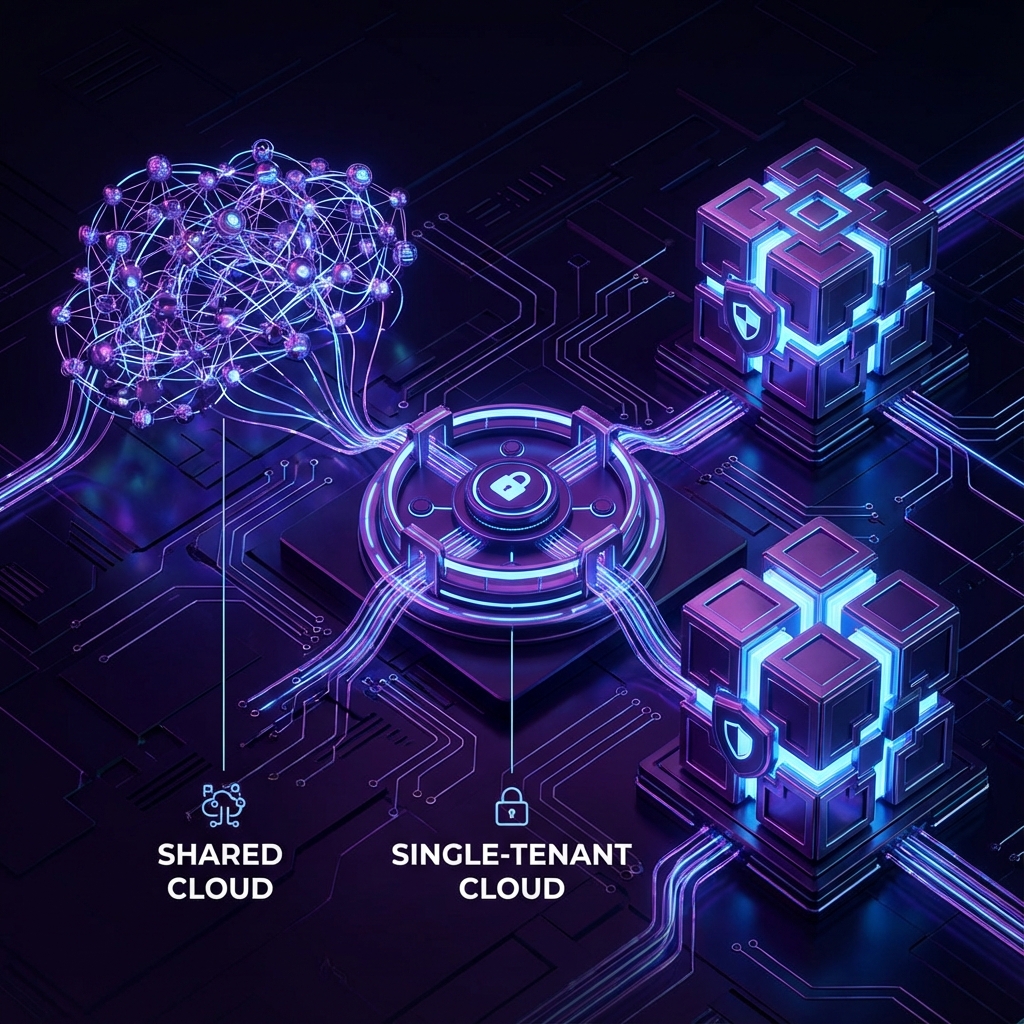
Managed Retrieval Economics
Lower complexity: Shared RAG endpoints typically support general knowledge retrieval with 80% accuracy for public-facing data.
Faster deployment: Index a website or directory in hours.
Limited auditability: Difficult to trace the exact 'chain of thought' for complex reasoning.
Maintenance: Requires manual monitoring of data drift and content updates.
Sovereign Agent Economics
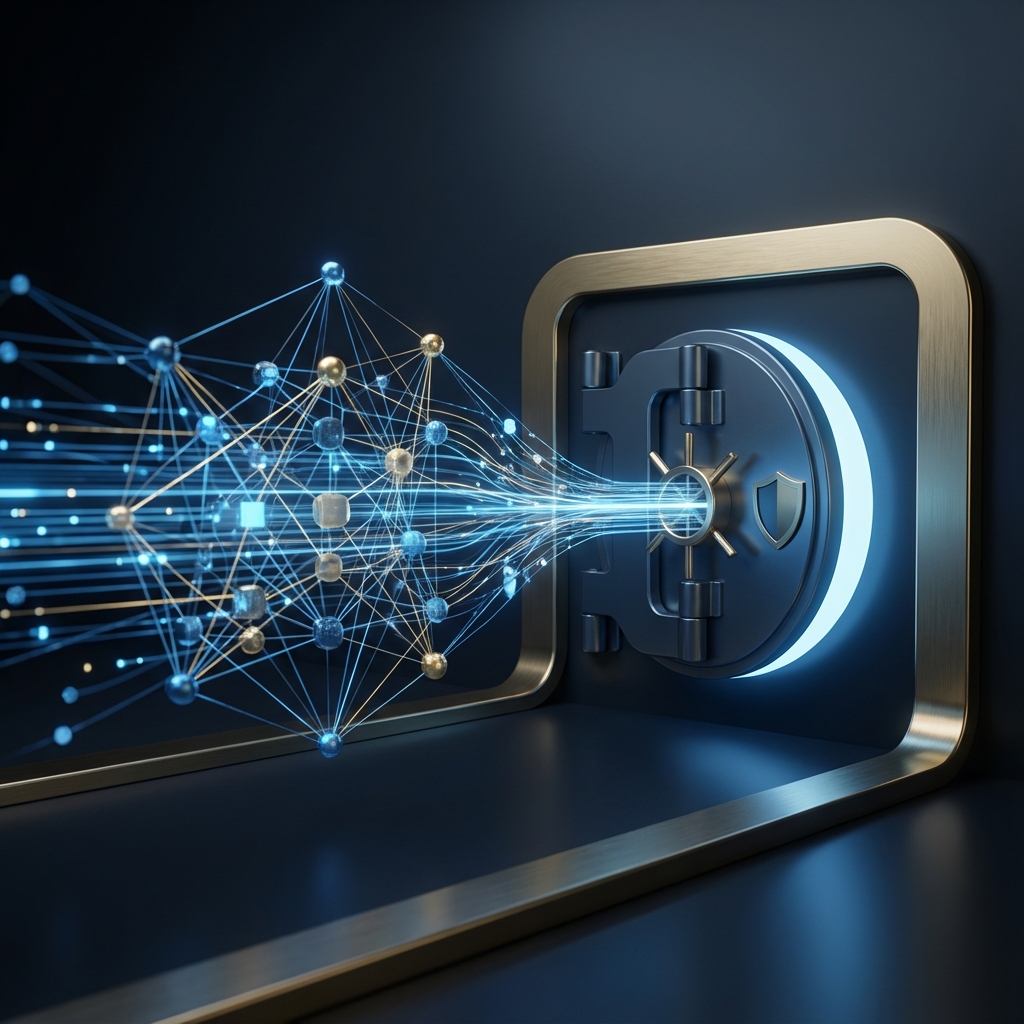
Institutional security: Agents operate within dedicated, logically isolated clusters (VPC-peered) with 99.9% retrieval precision.
Longer integration: Connecting to core SAP, Oracle, or Salesforce systems takes weeks of engineering coordination.
Highest ROI: Can automate 70%+ of technical inquiries end-to-end, saving thousands of hours of senior engineering time.
Autonomous governance: Updates itself by reconciling changes in connected enterprise databases (ERP, CRM) without human intervention.
The ROI Calculation
For a business handling 1,000 tickets/month at $15/ticket average cost:
Chatbot (40% deflection):
- 400 tickets handled by chatbot = $6,000 saved
- 600 tickets still need humans = $9,000
- Platform cost: ~$200/month
- Net monthly savings: $5,800
AI Agent (70% automation):
- 700 tickets handled by agent = $10,500 saved
- 300 tickets need humans = $4,500
- Platform cost: ~$500/month
- Net monthly savings: $10,000
The agent costs more but saves significantly more because it handles complete transactions, not just FAQ deflection.
What 2025 AI Agents Can Actually Do
Modern AI agents are not science fiction. Here is what they can realistically handle today:
Data Retrieval
- Look up customer orders, accounts, history
- Check inventory and availability
- Retrieve pricing and discount eligibility
- Access CRM records and past interactions
Transaction Processing
- Process refunds and exchanges
- Update account information
- Cancel or modify orders
- Schedule appointments and reservations
Multi-System Orchestration
- Check order status across shipping carriers
- Coordinate between inventory and fulfillment systems
- Sync customer data between platforms
- Trigger workflows in connected tools
Reasoning and Recommendation
- Recommend products based on browsing and purchase history
- Suggest solutions based on past similar issues
- Calculate best options for customer scenarios
- Personalize responses based on customer segment
What Agents Cannot Do (Yet)
- Handle truly novel situations with no precedent
- Make judgment calls on ambiguous policies
- Navigate emotionally charged complaints perfectly
- Replace strategic human oversight
How to Choose
Deploy Managed RAG If:
- Your primary goal is informational retrieval for public stakeholders.
- You handle fewer than 500 technical queries per month.
- Data privacy is handled via standard encryption (no VPC requirement).
Deploy Sovereign Agents If:
- You handle mission-critical technical or legal internal queries.
- Data sovereignty is a legal requirement (PDPA, GDPR, SOC 2).
- You need the agent to execute actions in ERP, CRM, or Engineering systems.
- You have the technical infrastructure (APIs/Databases) to support agents.
The Hybrid Approach
Many businesses run both:
- Chatbot handles first contact: FAQ deflection, lead capture, basic routing
- Agent handles escalations: Complex issues passed to agent before human
- Human handles edge cases: Agent escalates what it cannot resolve
This layered approach maximizes automation while keeping costs reasonable.
Questions to Ask Vendors
When evaluating AI customer service platforms, ask:
-
"What can your AI actually do beyond answering FAQs?" Listen for specifics about actions, not just responses.
-
"How does your AI connect to my systems?" APIs, webhooks, native integrations—understand the technical requirements.
-
"What is your resolution rate for action-required tickets?" Not just FAQ deflection, but complete ticket resolution.
-
"Can you show me a demo with real transaction handling?" Order lookup, account changes, appointment booking—not just conversation.
-
"What happens when the AI cannot resolve an issue?" Escalation quality matters as much as automation rate.
Where Oxaide Fits
Oxaide takes a hybrid approach:
Agent-level reasoning: Our AI reasons about customer inquiries, not just pattern matching. It understands context, remembers conversation history, and provides nuanced responses.
RAG for knowledge: We use retrieval-augmented generation for product knowledge, policies, and FAQs. This ensures accuracy for informational queries.
Tool integration: Webhooks connect Oxaide to your systems—order lookup, CRM updates, appointment scheduling. The AI can take actions, not just talk.
Human escalation: When issues exceed AI capability, escalation includes full context. Humans do not start from scratch.
For most SMBs, this provides agent-level capability at accessible pricing. You get reasoning and action, not just FAQ deflection.
The Bottom Line
The chatbot vs agent distinction is not marketing. It reflects a fundamental difference in what the technology can accomplish.
If you need FAQ deflection, chatbots work fine. If you need issues resolved, not just deflected, you need agent capability.
The good news: agent technology is becoming accessible to SMBs, not just enterprises. The question is not whether to upgrade—it is when.
Want to see how Sovereign Agent capability works for your organization? Explore our Private RAG Pilot. Secure your knowledge base and see how AI handles mission-critical technical governance.
Related reading: